AI Content Builder
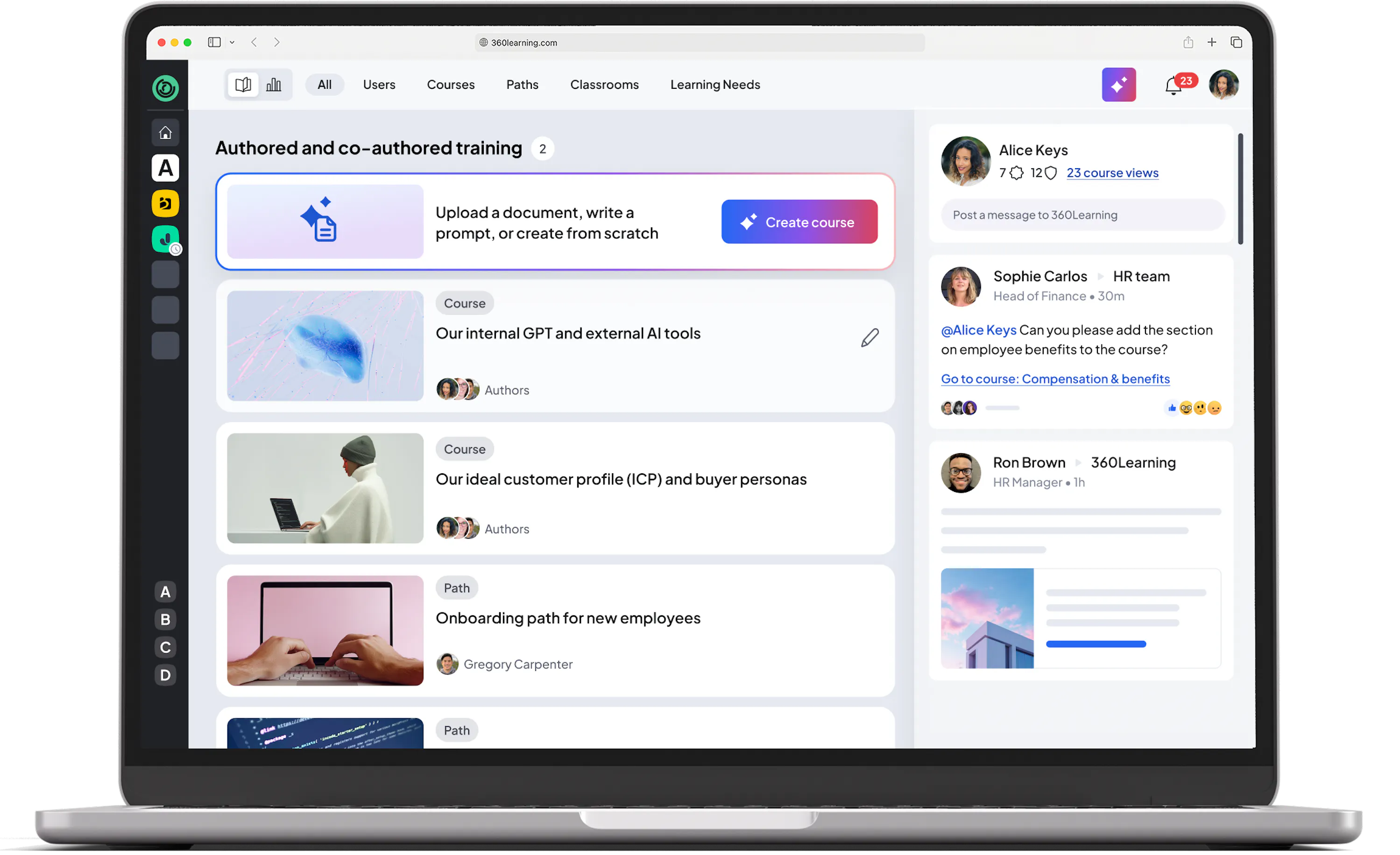






























































Your internal knowledge. Scaled with AI.
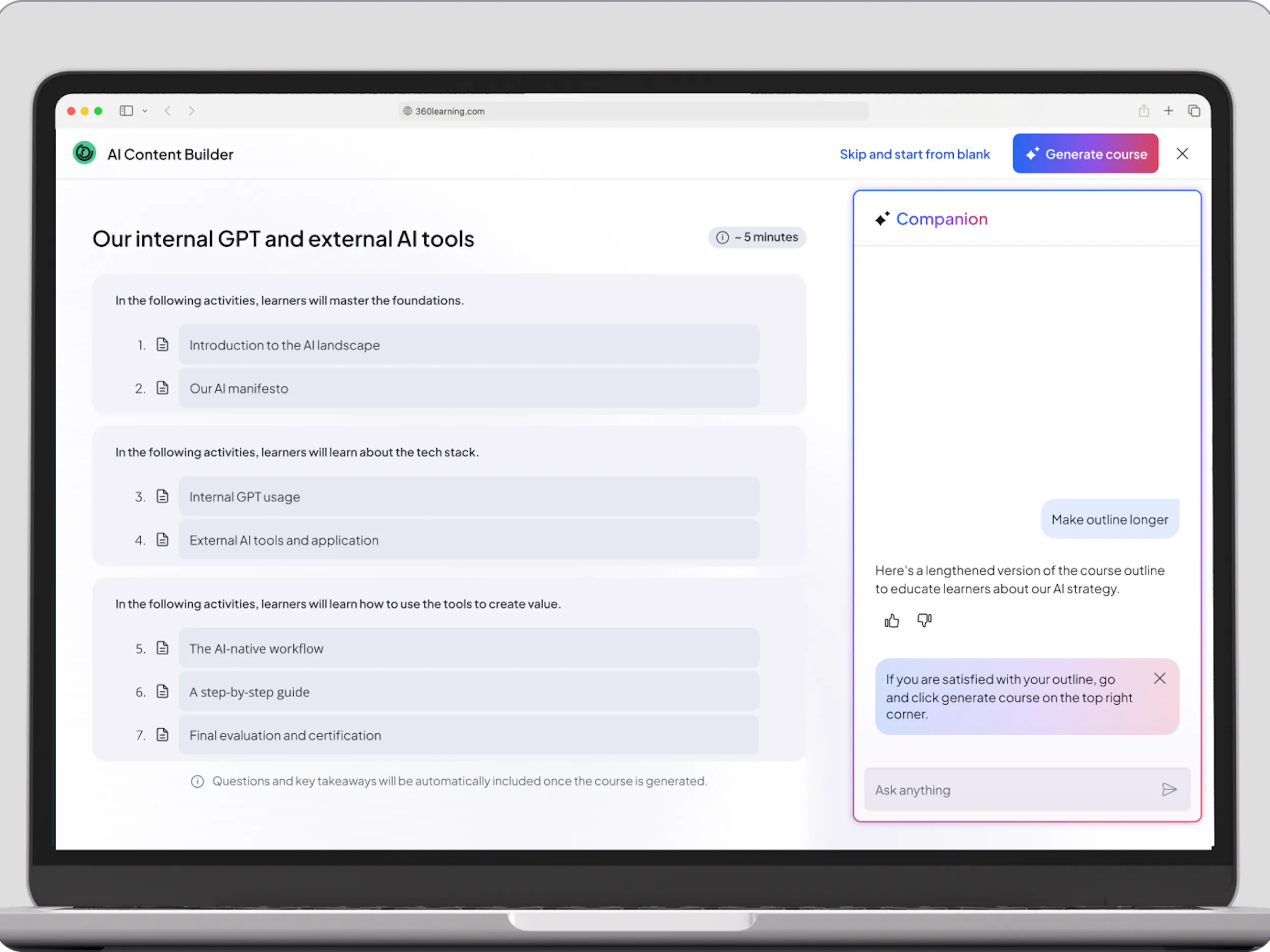
Multimodal generation
Go beyond simple course creation and build immersive learning experiences that wow learners - all the while ensuring they align with your organization’s standards, goals, and guidelines.
AI course creation
Build an interactive course from multiple documents, a prompt, or both. Iterate with AI to perfect the outline before generating the course and use it to improve content afterwards.
AI-generated questions
Let AI suggest custom assessments and quizzes based on your course content in seconds, and allocate your time on the level of expertise only you can provide.
Meet upskilling needs at the pace of change
With 360Learning's AI-powered authoring tool, I was able to create a course in just 7 minutes. What a great opportunity to accelerate knowledge transfer across the organization, and upskill as many teams as possible!

Bridge the gap between legacy content and modern AI authoring
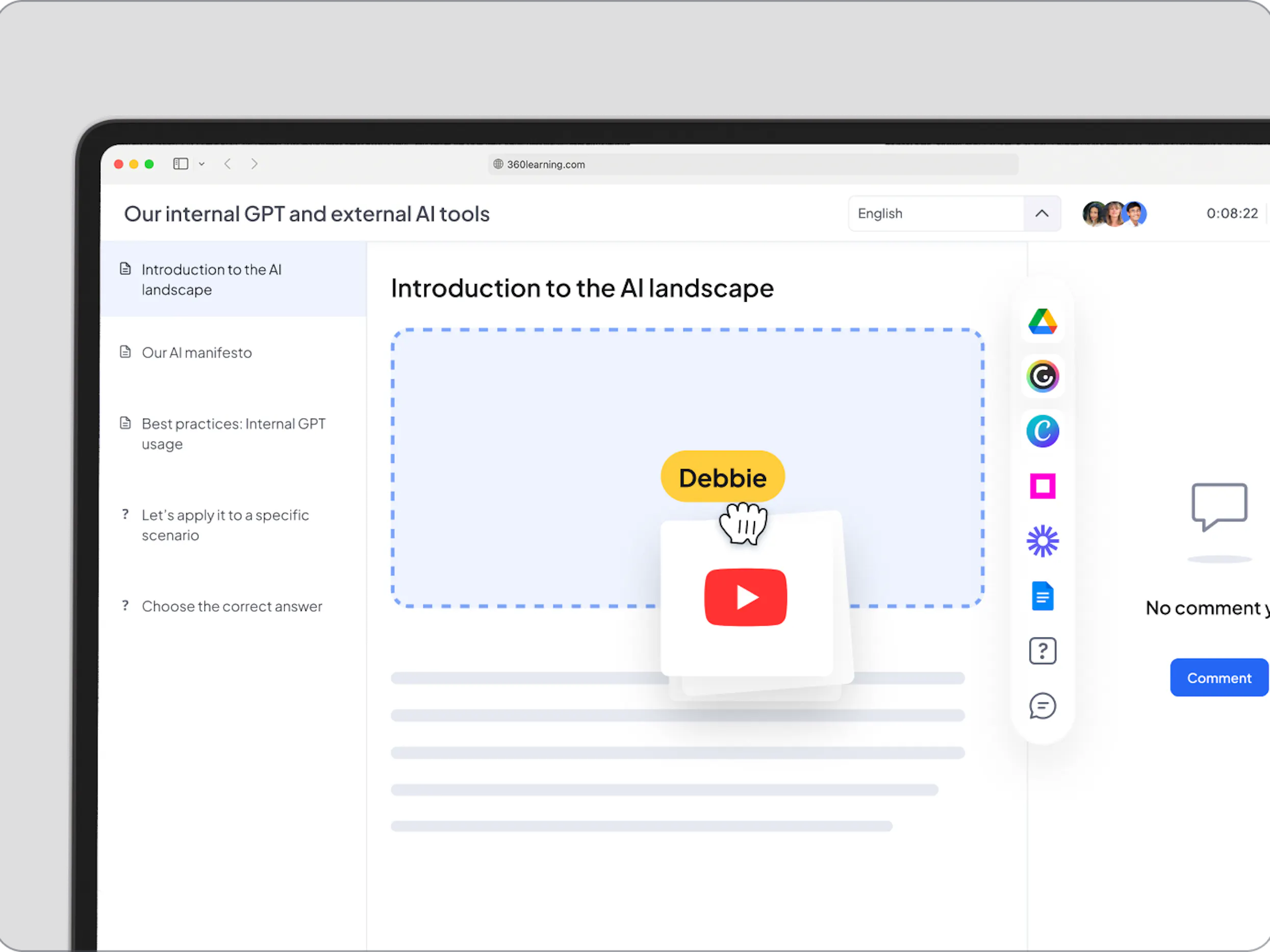
Authoring integrations
Seamlessly import and manage existing eLearning standards like SCORM, xAPI, cmi5 to consolidate your library without losing years of investment. Easily enrich courses with videos, images and documents in any format to make training fun, engaging, and relevant.
Files imports
You don't have to start from scratch. Add existing videos, images, and documents in any format to your course, with just one click.
Web-based files
Embed web-based files directly into your courses. Leverage existing resources that were created in Google documents and hundreds more, while keeping everything in sync.
Your experts have the answers.
Now they have the tool.
When I found 360Learning, I was blown away by how simple it was to create a course, and I loved that I could pick and choose from authoring tools like Vyond and Genially.

Capture internal expertise before it
leaves the business
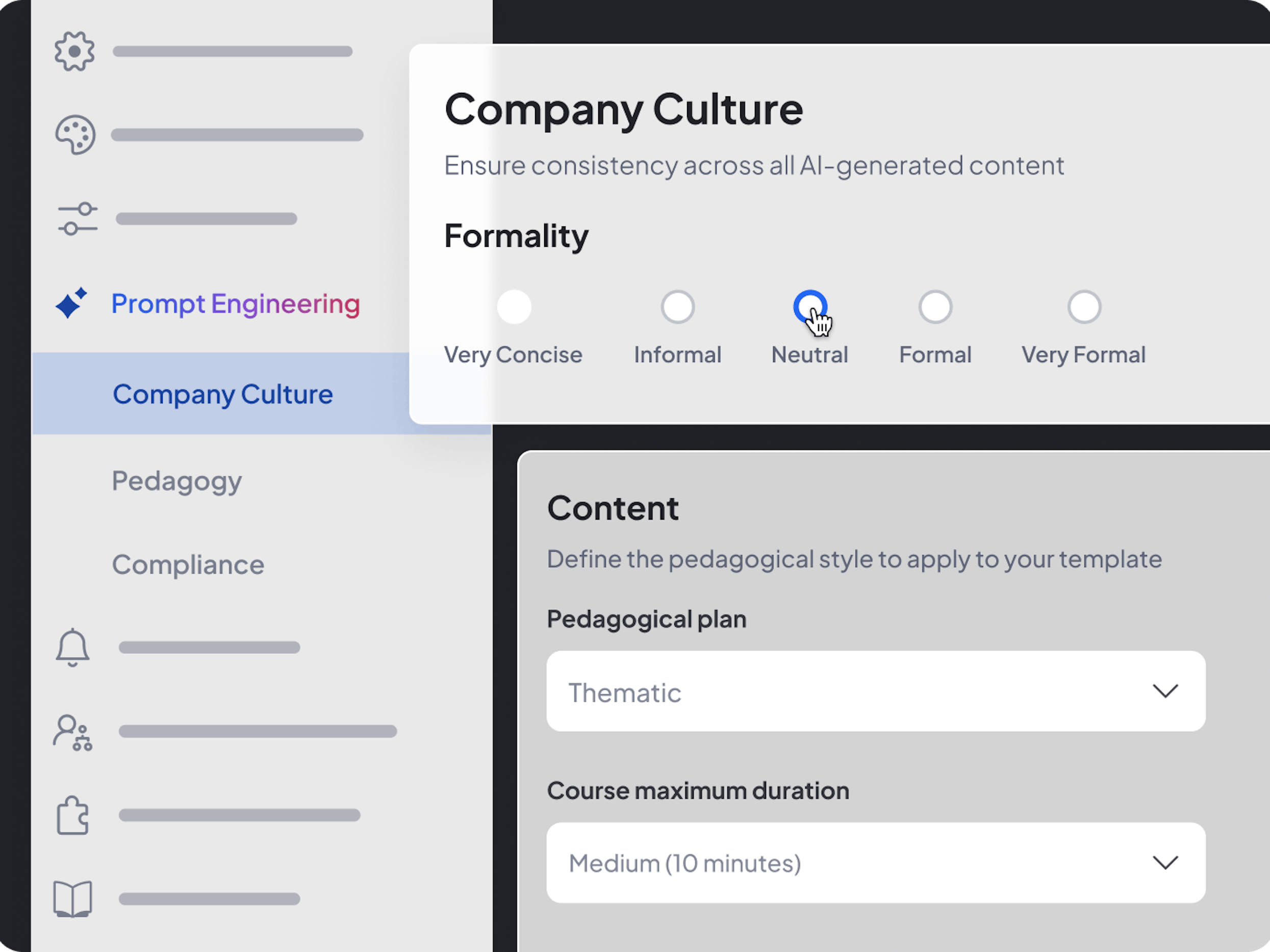
Co-authoring
Enable experts to collaborate in a unified environment using inline comments and feedback inboxes. This collaborative approach ensures internal expertise is documented and content is kept current while L&D maintains total oversight, quality, and compliance through centralized validation workflows.
AI-driven authoring
Turn your experts into super-creators with AI-enabled automated question generation, recap suggestions, and content tagging.
L&D-controlled prompts
Decentralize content creation to internal experts with confidence via customizable prompts that meet company requirements, pedagogical strategy, and company policies.
Create training at the speed of business
with AI-driven content creation

"AI-powered authoring makes content creation easier and saves us a lot of time. The outputs, content and rendering are very close to what we'd write ourselves."

Deploy local expertise
at global scale. Instantly.
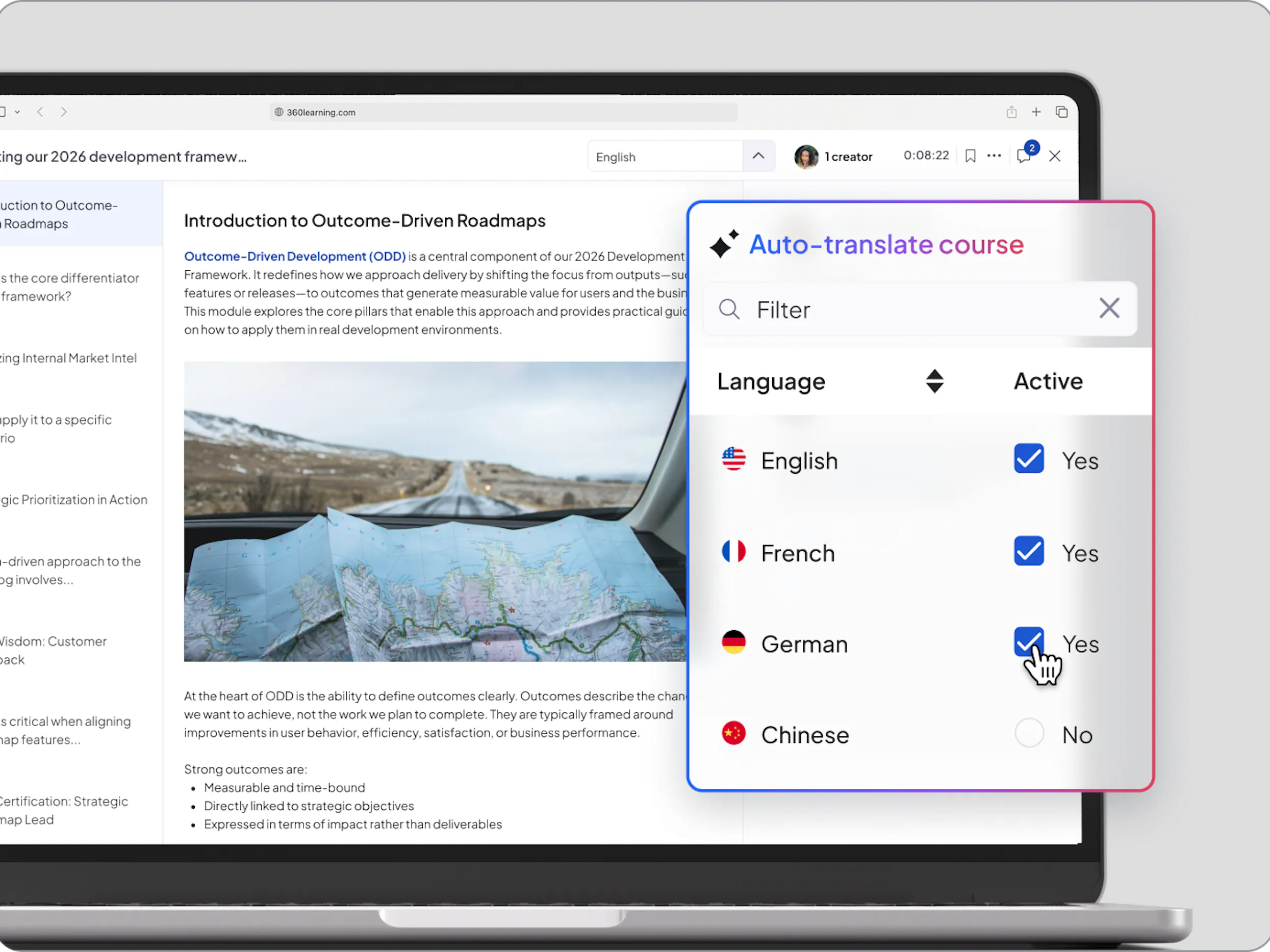
AI-driven translations
Don't let language be a bottleneck for your internal experts. Transform a single course into a global learning experience with AI-enabled translations that maintain the nuance of your proprietary knowledge. Create once, localize in seconds, and drive high-impact upskilling in every corner of your business.
Integrated interface
No more endless back-and-forth with translators. Our integrated translation interface gives your team all the tools they need to get the job done effectively.
Industry standard
Outsourcing to a language services provider? Seamlessly bring translations in and out of the platform in .xliff format.
Validate expertise at scale through
interactive AI assessments
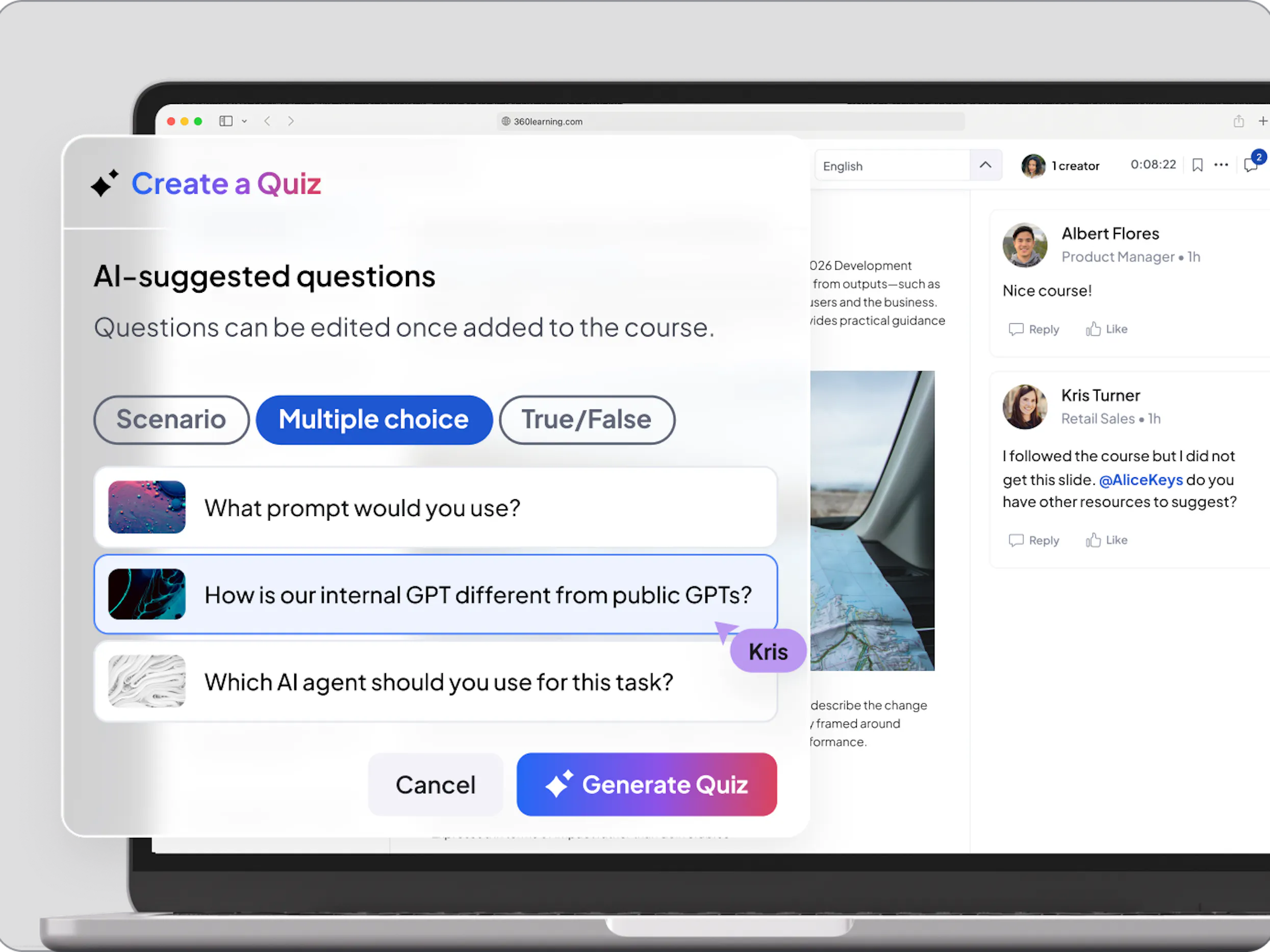
Knowledge checks
Ensure learning truly sticks with a diverse range of question types—from AI-generated scenarios to custom open-ended evaluations. Easily verify actual knowledge retention and skills application, providing L&D with a record of global competency.
AI-generated questions
Create courses faster with our AI-driven question generator that creates assessments and quizzes based on your content, all in a single click.
Scenario-based questions
Prepare learners for the real world. Boost engagement and skill-building with AI-generated, scenario-based questions that mirror real-life challenges.
2,500 L&D teams deliver
business impact with 360Learning


Frequently Asked Questions (FAQs)
Who can use the 360Learning authoring tool?
How does the authoring tool integrate with our existing HRIS/LMS or other content providers?
How does the 360Learning Authoring Tool use AI to speed up content creation?
How do we ensure content quality when allowing subject-matter experts (SMEs) to author courses?
Is the 360Learning Authoring Tool installed software or cloud-based?
What types of interactive questions and assessments can I build with the 360Learning authoring tool?
Can I import existing content like SCORM files or use external videos?
What features help boost learner engagement within the courses I create in the 360Learning authoring tool?